Many people encounter a problem when making a WordPress website:
Can you connect the website with Telegram?
The answer is: totally, and very powerful.
Today's article talks about three things:
- The Fundamentals of Telegram Bot
- How WordPress Connects to Telegram
- Practical Application Scenarios (Notification / Membership System / E-commerce / AI Customer Service)
1. How does Telegram Bot work?

The core mechanics of Telegram Bot are simple:
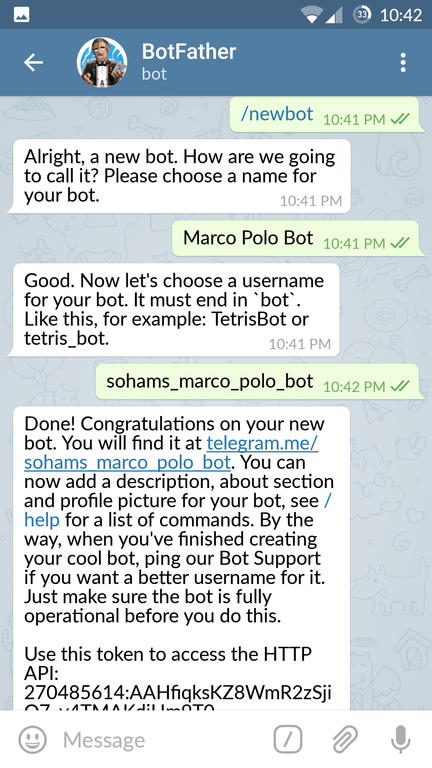
1️⃣ You create a bot
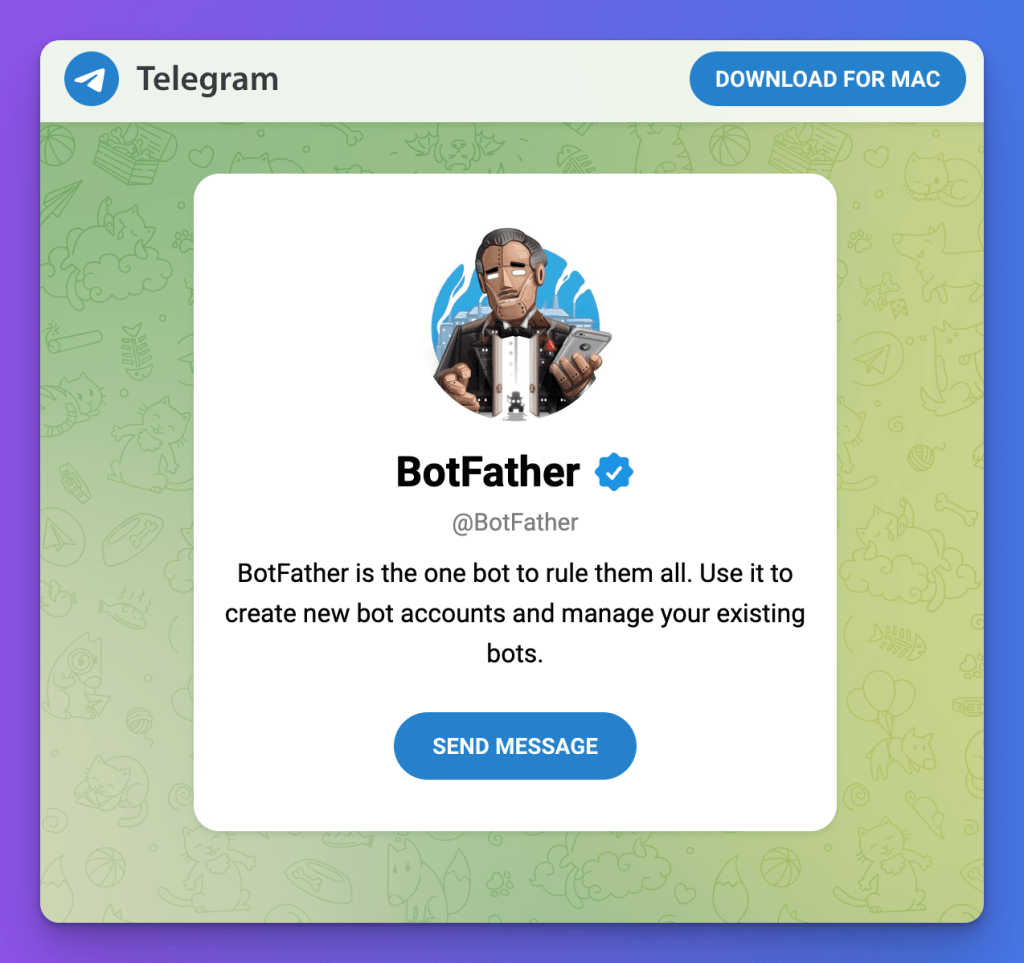
Create bots in Telegram via @BotFather .
You get a:
BOT TOKENThis token is your API key.
2️⃣ Bot working mode
Telegram Bot has two ways to communicate:
| mode | Principle | Suitable for the scene |
|---|---|---|
| Long Polling | The server takes the initiative to ask Telegram | Local testing |
| Webhook | Telegram proactively pushes messages to your server | Production environment |
If you have Cloudflare Tunnel or VPS - it is recommended to use webhooks directly.
2. How to connect WordPress to Telegram?
There are three main docking methods:
Method 1: Use ready-made plugins (easiest)
Common plugins:
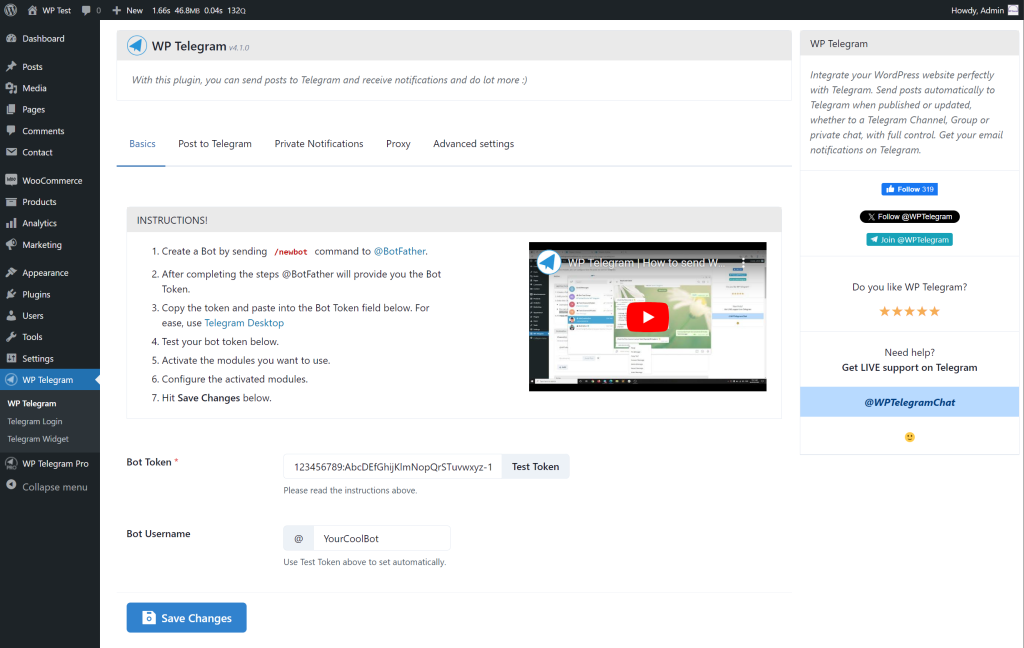
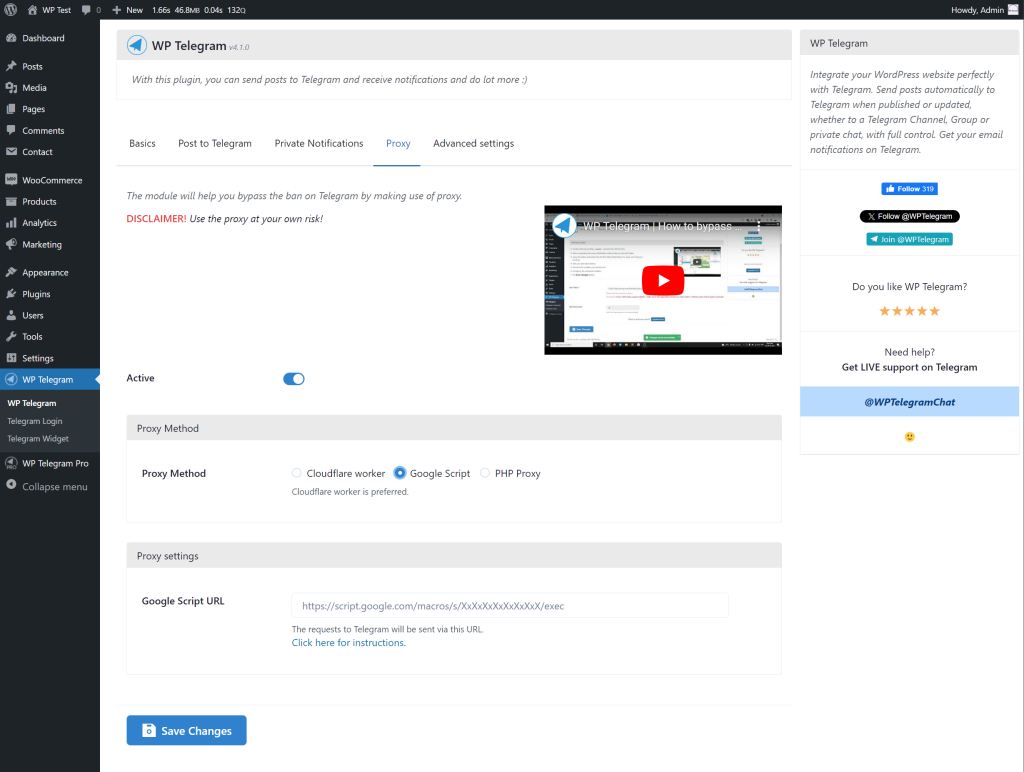
- WP Telegram
- Telegram for WP
- Bot integration plugins
Basic process:
- Create a bot
- Fill in the token
- Fill in your Chat ID
- Select Trigger Event (Post / New User Registration)
Suitable for:
- Blog notifications
- Simple message push
- New order reminders
Method 2: Custom Webhook (Recommended)
If you are doing TGShop, membership system or automation system - this is recommended.
Principle structure
用户 → TG Bot → Telegram服务器 → Webhook → 你的服务器 → WordPressStep 1: Set up the webhook
https://api.telegram.org/bot<YOUR_TOKEN>/setWebhook?url=https://yourdomain.com/tg-webhookStep 2: WordPress Write the interface
You can:
- Write a custom plugin
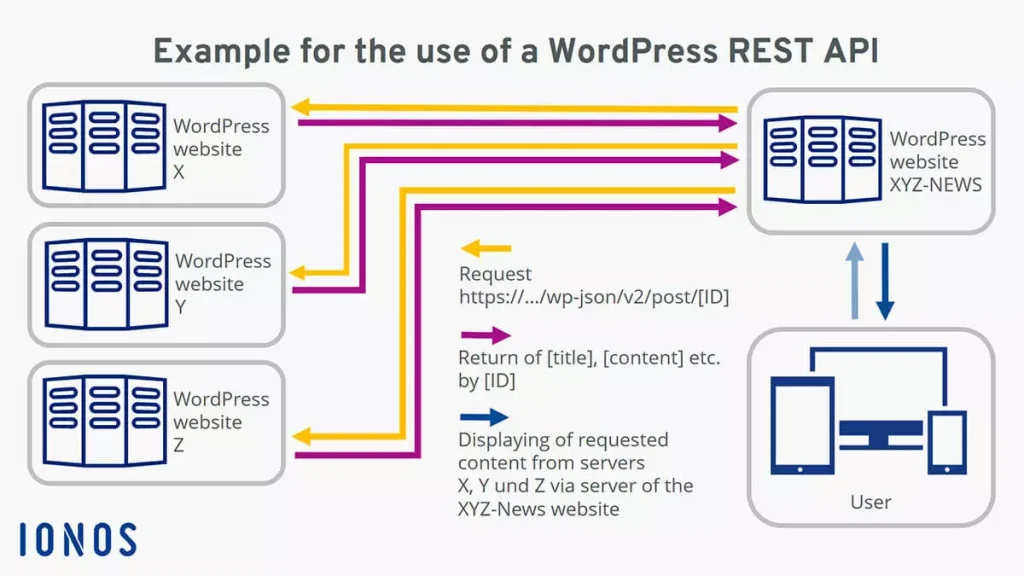
- Or use the REST API endpoint
Example:
add_action('rest_api_init', function () {
    register_rest_route('tg/v1', '/webhook', array(
        'methods' => 'POST',
        'callback' => 'tg_webhook_handler',
    ));
});

function tg_webhook_handler($request) {
    $data = $request->get_json_params();
    $message = $data['message']['text'];

    // 处理逻辑
    return "ok";
}
3. Common actual combat scenarios
1️⃣ WordPress articles are automatically pushed to TG channels
Suitable for content stations.
Process:
发布文章 → WP Hook → 调用 Telegram API → 推送消息Core functions:
wp_remote_post("https://api.telegram.org/botTOKEN/sendMessage", [
  'body' => [
    'chat_id' => 'xxx',
    'text' => $content
  ]
]);
2️⃣ TG login to the WordPress membership system
Principle:
TG用户ID → 存入WP用户meta → 绑定账号Can be done:
- Telegram login with one click
- TG account binding
- TG verification code login
3️⃣ TG e-commerce (similar to TGShop)
You can achieve:
- TG order
- TG check balance
- TG enquiries orders
- TG recharge
The structure is as follows:
TG Bot
   ↓
Webhook
   ↓
WordPress WooCommerce API
   ↓
返回订单状态
4️⃣ AI customer service system (advanced gameplay)
If you connect:
- OpenAI API
- OpenClaw
- AnythingLLM
Then you can do:
TG 用户 → Bot → LLM → WordPress 知识库 → 回复This is a lightweight customer service system.
4. Recommendation Architecture (Production Environment)
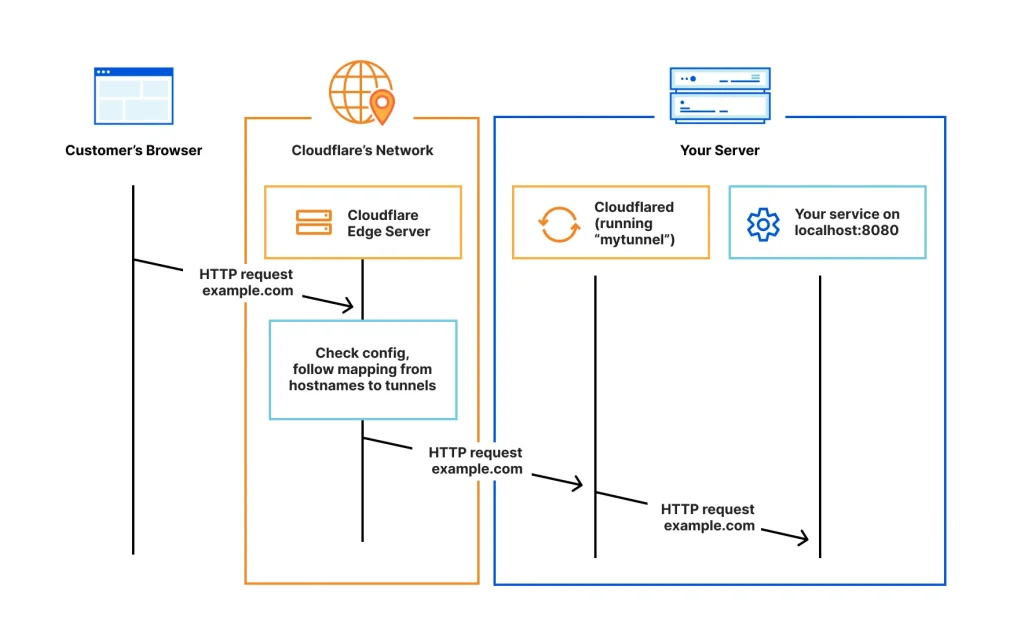
Recommended structure:
Telegram
   ↓
Webhook
   ↓Cloudflare Tunnel
   ↓
WordPress REST API
   ↓
数据库
Pros:
- The server IP is not exposed
- Free HTTPS is available
- Easy to scale
5. Safety issues must be paid attention to
- Verify the source of the request (IP verification)
- Use a Secret Token
- Don't write the bot token dead on the frontend
- Limit interface permissions
6. Summary
The essence of WordPress + Telegram is:
Use Telegram as a front-end interface
Use WordPress for background logic and databases
It is suitable for:
- Content Station
- E-commerce station
- Membership system
- Automated systems
- AI customer service